tinyx.co
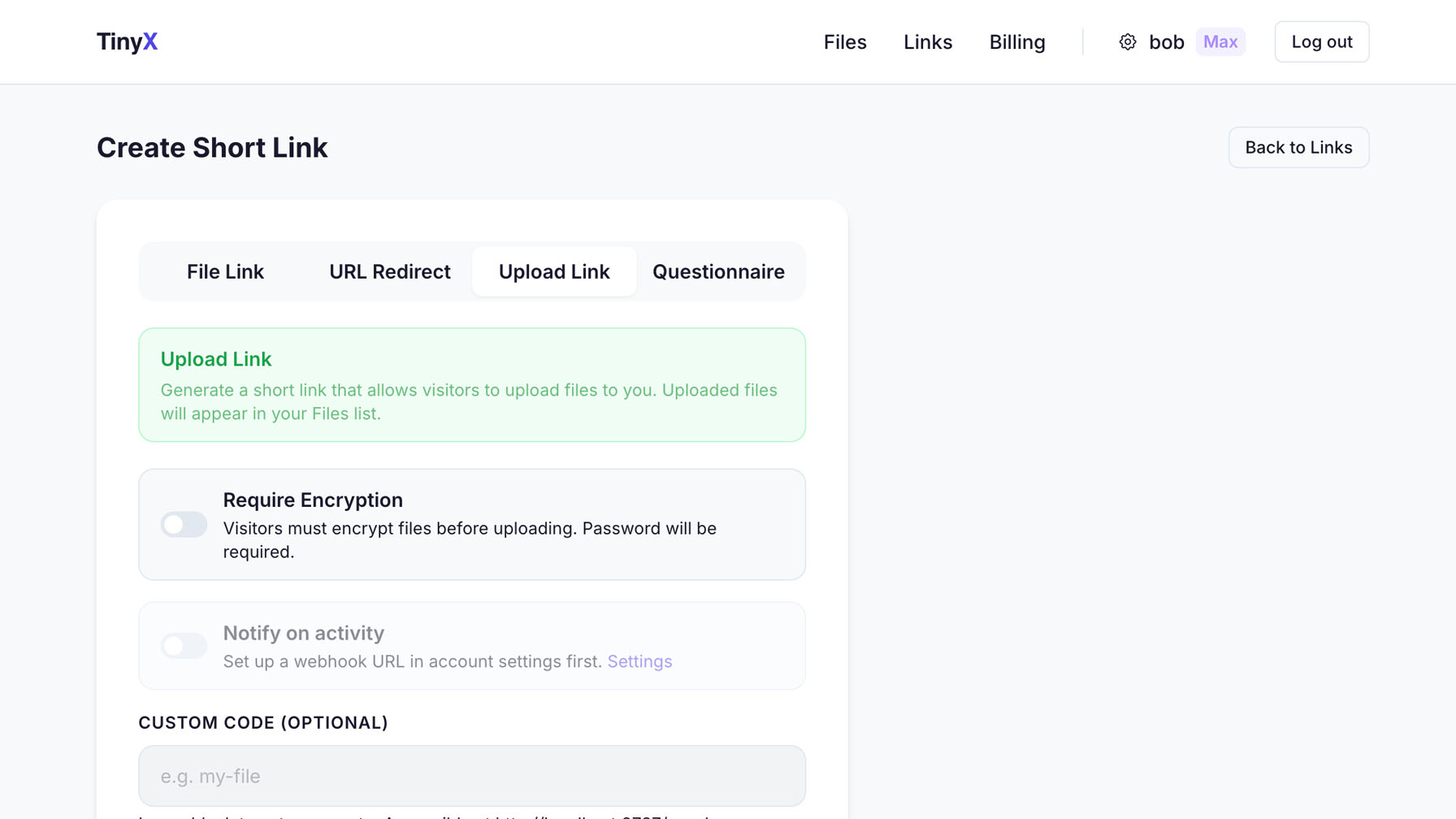
On Pro and Max. Generate a link and send it to a client, a colleague, a source. They upload straight to you through a password-protected drop link that expires when you say, and you can require them to encrypt first. Like a private dropbox that only you control.
No setup, no configuration, no learning curve.
Create one upload link, share it with anyone. They don't need an account. They don't see your files. They just upload and leave.
Switch it on for a link and uploaders must encrypt before sending: the file is encrypted in their browser before it leaves their device, and you decrypt it with the password. Leave it off for everyday drops.
Cap the number of uploads. Set it to 1 for a single-use drop. Set it to 50 for a team collection. After the limit, the link dies.
The upload link expires on a date you set. After that, nobody can upload — the link is completely dead.
Get a webhook ping on Slack, Discord, or anywhere that supports webhooks the moment someone uploads. Know exactly when files arrive without checking your dashboard.
All uploaded files appear in your dashboard. Download them, decrypt if encrypted, or delete them. You're always in control.
Want this under your own name?
Run all of TinyX on your domain, with your logo and colours.
Upload links are on Pro and Max. Encryption is optional: you switch it on per link.
Create Free Account