tinyx.co
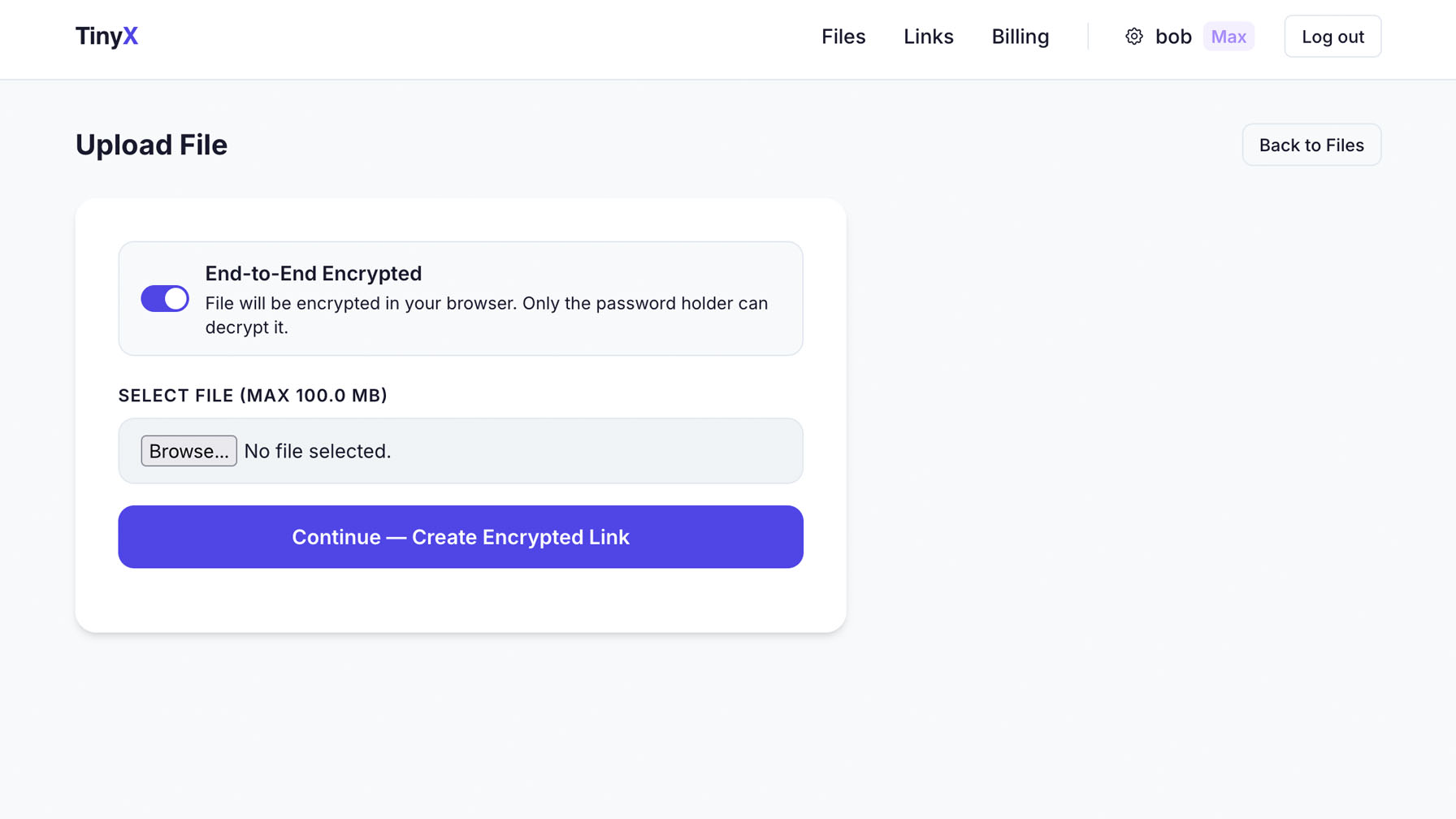
AES-256 end-to-end encryption on Pro and Max, whenever you switch it on. Set max downloads and an expiration date. Once the limit hits, the link stops working, and you can delete the file any time. And for end-to-end encrypted files we hold no key to read them with.
No setup, no configuration, no learning curve.
Files are encrypted in your browser with AES-256-GCM before upload. Your password and the key derived from it are never sent to us, so we store ciphertext we have no key for.
Set max downloads to 1. One person downloads, the link stops working. Set it to 5? It shuts off after the 5th.
Share a link that works for 24 hours. Or a week. After that, the link is dead and downloads stop. Delete the file whenever you like.
No password, no file. The recipient doesn't need an account — just the password you set. Wrong password returns nothing.
Recipients can preview files directly in the browser without downloading. Images, PDFs, text files — all viewable inline.
Attach a personal message to any shared file. Context for the recipient, directly on the download page.
Want this under your own name?
Run all of TinyX on your domain, with your logo and colours.
Sharing files is free forever. End-to-end encryption is on Pro and Max: you switch it on per link.
Create Free Account